top of page

Resources and Videos
The best way to make sure you don't miss a single video is to head over to my YouTube channel, subscribe, and hit the bell. I post new videos every week to help you get the most out of Autodesk Fusion and do your best work.

Learn how to use Fusion Arrange
Fusion Arrange: Create Compact Cutting Layouts for Laser, Plasma and CNC Manually positioning parts for a laser cutter can sometimes take longer than designing them. Fusion Arrange solves that problem by placing components inside a defined material area. It can help prepare layouts for laser cutting, CNC routing, woodworking, and other flat-stock jobs. Fusion Arrange can preserve the original assembly, control part rotation and send the finished layout to the Manufacture work
4 hours ago6 min read
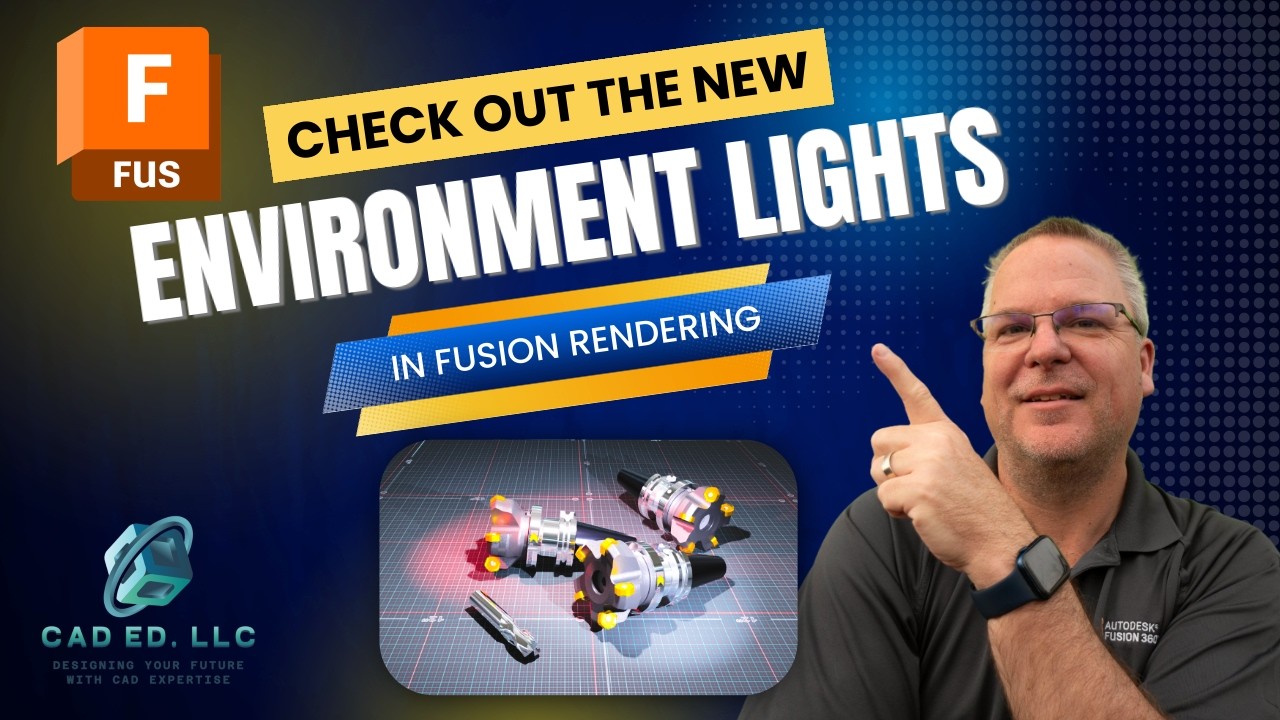
Environmental lights in Fusion Rendering
Creating realistic lighting in Autodesk Fusion once meant building a 3D body, applying an emissive material, and rendering to see how the light would look. Fusion scene lights now remove that slow process. You can now place point lights, spotlights, and photometric lights directly in the scene, then watch shadows and brightness change in real time. The updated tools also provide control over intensity, color, direction, source shape, distribution, and IES profiles. That makes
Sep 116 min read

Community Tips - What I've learned from you!
Fusion Community Tips for More Reliable Parametric Models These Fusion community tips show how to build designs that keep their thickness, fit, spacing, and dimensions as the model develops. The methods come from feedback on videos I have done in the past. They cover an angled toolbox, patterned holes, sketches, extrusions, and reusable parameters. Preserve Consistent Material Thickness with Shell and Split Body Why a ruled surface can produce the wrong thickness A ruled surf
Sep 46 min read

How to model an Angled Toolbox
How to Model an Angled Toolbox in Fusion Using a Skeleton or Envelope A angled-wall toolbox drawing can look easy at first glance. The trouble starts when the sides taper in two directions while the top and bottom stay flat. Add rabbets, a fitted bottom, and a centered handle, and a basic extrude no longer gives reliable results. This angled toolbox in Fusion is easier to control with a skeleton design, also called an envelope design. Two master sketches define the overall fo
Aug 286 min read

Why do my fillets fail?
When Fusion fillets fail, the error message can feel vague: "The fillets cannot be ordered to return a successful solution." The problem usually comes from how the model geometry was created. A radius may remove a face, create a self-intersection, or follow an incomplete edge chain. A simple block with a round boss shows the problem clearly. A small fillet works on the boss, but increasing the radius eventually makes the top face disappear. The red edge in the preview points
Aug 215 min read

How to control Patterns on a Path
Pattern on Path: Get Exact Spacing on Curved Designs A pattern can look evenly spaced in Fusion and still be mathematically wrong. This matters when you create 12 holes, connect chain links, place rivets, or repeat slots along sheet metal. Fusion Pattern on Path gives you control over repeated features and components, but the default drag handles often encourage guesswork. The techniques below show how to measure closed paths, prevent duplicate endpoints, orient components, a
Aug 146 min read

How to use Contact Sets in Fusion
The rolling marble example I showed in last weeks video uses Contact Sets. This function checks to see when bodies or components contact each other. Drag the sphere across the floor and wall, and Fusion stops it when those selected bodies make contact. Enable Contact Sets for Selected Bodies Under the Assemble menu, Fusion provides Enable Contact Sets and Enable All Contact. Enable All Contact constantly checks whether bodies touch or clash. This makes it computer intensive
Aug 75 min read

Fusion Fillets: A deep-dive into how they work
The fillet command is one of the most used tools in 3D design software. It turns sharp edges into smooth, rounded ones. This makes parts look better and is safer, as it removes the sharp edges. Fusion offers many powerful options inside the fillet command. This guide will show you every option. You will learn how to create simple rounds and complex, flowing shapes. We will cover constant and variable fillets, tangency weight, corner types, and more. How to Start a Basic Fille
Jul 316 min read
bottom of page